
Choosing the Right Service Type: A Learner's Guide
Single lesson, bundle, group, online or in-person? A practical guide to picking the right format and the right Expert on Tutora.
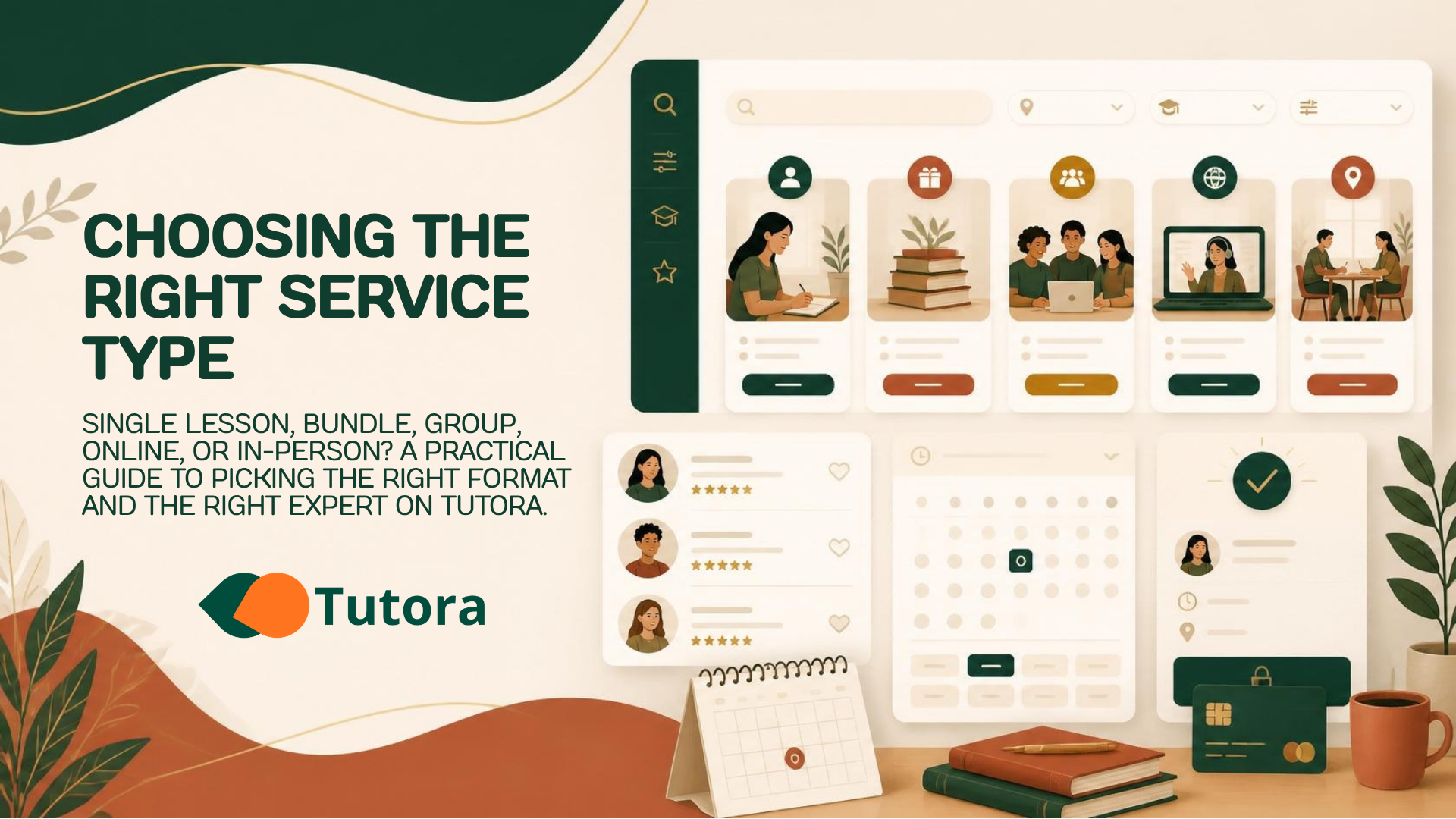
How to Book a Private Lesson: A Guide to Getting Started
The hardest part of booking your first lesson isn't finding an Expert — it's deciding what kind of session you actually need. Tutora supports several formats, and the right pick can save you weeks (and a lot of HUF). Here's how to choose.
1. Start with your goal, not the format
Before you filter, write down one sentence: "In 4 weeks I want to be able to ___." The clearer your goal, the easier every other decision becomes.
Specific & short-term (e.g. "pass a B2 oral exam") → bundle of 4–8 sessions with one Expert.
Open-ended exploration (e.g. "see if I like Italian") → a single trial lesson.
Long-term hobby (e.g. "play guitar regularly") → recurring weekly slot.
2. Single lesson vs. bundle
Single | Bundle (2–24 sessions) | |
|---|---|---|
Best for | Trying an Expert | Real progress |
Price | Standard rate | Often discounted by the Expert |
Cancellation | Per-session rules | See the bundle terms before buying |
Scheduling | One date at a time | Pre-agreed cadence |
Tip: Many Experts offer a free or reduced-price trial class as their first service. It's the lowest-risk way to test fit before committing to a bundle.
3. 1:1 vs. group
1:1 — full attention, fastest progress, higher price per hour.
Group — cheaper, more social, slower pace per individual. Best when motivation matters more than speed.
4. Online vs. in-person
Tutora's classroom is built for online lessons (HD video, screen share, file sharing, recording). In-person is supported by Experts who explicitly offer it in their service settings — check the Service Mode filter at the top of the search page.
5. How to read an Expert's profile
When two Experts look similar, compare in this order:
Reviews — read the most recent 3, not just the average.
Badges — Verified means ID-checked; Certified means qualifications confirmed; Premium is a paid tier and not by itself a quality signal.
Languages — confirm they teach in a language you're comfortable in.
Response time — visible on the profile; under 12h is excellent.
Bio tone — does the way they write match how you want to learn?
Warning: Don't pick by price alone. The cheapest Expert is rarely the cheapest path to your goal once you count wasted lessons.
6. Booking and payment
Once you pick a slot, payment is handled securely through Stripe. Free trial classes confirm immediately; paid bookings confirm after payment. You'll get an in-app notification, an email, and a .ics calendar file.
7. After booking
Message the Expert with what you want to focus on.
Test your camera and mic from the Classroom Hub at least 24h before.
Join up to 10 minutes before start time — earlier than that the room isn't open yet.
Ready to browse? Open the Expert search and apply your filters from the top-right toolbar.
Enjoyed this article? Share it.
More from Tutora
Stripe Connect Account Setup for Experts
How to connect Stripe for payouts on Tutora — required documents, supported countries and currencies, and the Wise/Revolut workaround for non-EEA Experts.

Tutor Pricing Guide: Set Your Rates
Stop undercharging! Learn how to price your private lessons, offer packages, and justify premium rates with a professional online presence.
Stripe FAQ
Since a few questions have come up regarding the Stripe payment and billing system, we've put together the most important information for you in a short FAQ.